Play free in the browser

Three browser games
for lazy summer afternoons

No installer, no launcher and no fee to get going. When the days are long and there is a spare half hour after lunch, we reach for this trio of free-to-play browser games: a farm in the green hills, a cheerful town of workshops and hidden objects, and a railway company racing rivals across the map.

Big Farm key art
01 · Countryside farming

Big Farm

Inherit a modest farm in the hills and grow it field by field: sow crops, look after animals, build bakeries and dairies, and deliver goods to the people in the nearby village. Seasonal festivals bring new decorations and short goals between the bigger building projects.

Good for
Anyone who likes a cheerful place to look after in short, unhurried visits.
Typical session
10 to 15 minutes
Where it runs
Desktop browser
Cost
Free to start; buying things in-game is optional.
Your first session
  1. Sow crops with growing times that match when you expect to look in again.
  2. Take on village deliveries early; their rewards fund the next barn or field.
  3. Leave a little empty land for the production buildings you unlock later.
Play Big Farm freeOpens bigfarm.goodgamestudios.com in a new tab
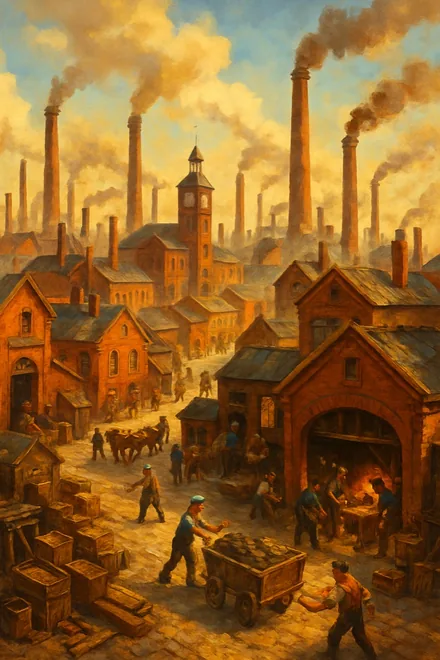
Uptasia key art
02 · Town building with hidden objects

Uptasia

Grow a bright workshop town in a colourful age of steam, putting up factories and homes and linking them into production chains. Between building jobs, hidden-object scenes ask you to spot items in busy, detailed pictures, which breaks up the planning nicely.

Good for
Players who enjoy building at their own pace with a little puzzle on the side.
Typical session
15 to 20 minutes
Where it runs
Desktop browser
Cost
Free to start; buying things in-game is optional.
Your first session
  1. Work through the guided tasks first; they introduce the production chains one at a time.
  2. Try a hidden-object scene early so you see how they fit alongside the building.
  3. Place linked buildings near each other to keep the town tidy as it spreads out.
Play Uptasia freeOpens uptasia.com in a new tab
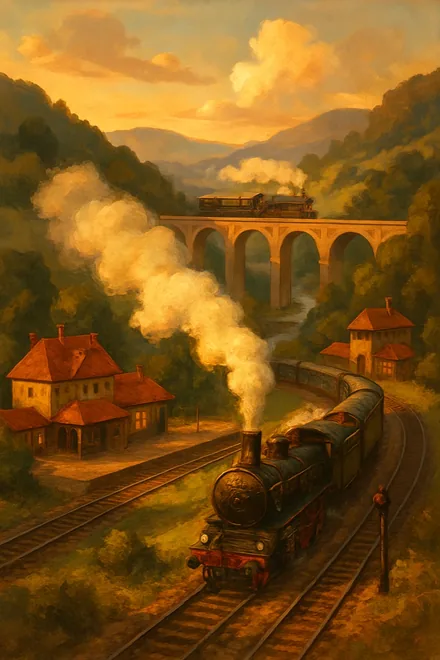
Rail Nation key art
03 · Railway tycoon

Rail Nation

Start a railway company with one station and a couple of humble engines, then expand into a network moving goods between growing cities. Other players are rivals and partners at once, and each round runs through railway eras, so good plans look several steps ahead.

Good for
Planners who enjoy routes, cargo and watching a network grow over weeks.
Typical session
A few brief check-ins a day
Where it runs
Plays in a desktop browser, with an optional mobile app
Cost
Free to start; buying things in-game is optional.
Your first session
  1. Let the tutorial tasks guide your first routes and cargo choices.
  2. Join an association soon after starting; shared goals push everyone ahead.
  3. Concentrate on a handful of profitable lines before laying track everywhere.
Play Rail Nation freeOpens rail-nation.com in a new tab

How the trio stack up

Big FarmUptasiaRail Nation
GenreCountryside farmingTown building with hidden objectsRailway tycoon
PaceEasy-goingRelaxed with small puzzlesThoughtful and long-term
Playing togetherCooperatives of neighbouring farmsFriends and in-game eventsAssociations and shared projects
Typical session10 to 15 minutes15 to 20 minutesA few brief check-ins a day
Where it runsDesktop browserDesktop browserPlays in a desktop browser, with an optional mobile app
CostFree to start; buying things in-game is optional.Free to start; buying things in-game is optional.Free to start; buying things in-game is optional.

How free to play works with these games

You can open, start and keep playing each of the three without paying, for as long as you fancy. There is no point where the game stops until you pay.

As with most browser games, every one of them has an optional in-game shop selling things like decorations, time savers or premium currency. You can ignore it entirely and still make good progress. On a shared family computer, it is sensible to check the payment options on the studio account before anyone else plays.

Your first few minutes

Each game has a button; pressing it opens that game’s official website in a fresh tab. You set up a free player account with that studio, normally with just an email address, and your starting map loads straight after.

Each game opens with a short run of guided tasks. They are worth following during the first visit, because they unlock the tools and buildings that make every later session quicker.

Playing around a busy summer

All three games keep going while the tab is closed. Fields ripen, factories finish their orders and trains complete their routes, so a brief look-in between other plans keeps everything moving.

On a short visit, gather what is ready, start the next job and close the window. Save the longer afternoons for the bigger decisions, such as a new production chain, an extra field or a fresh line across the map.

Look after those logins

Every game account sits with its own studio, not with us, so you always sign in on their website. Choose a password you use nowhere else, and switch on any extra login security the studio provides.

A real studio will never message you asking for your password. Any in-game message promising free premium currency in exchange for login details is a scam and should be ignored.

Why these three got a deckchair

  • Every pick loads inside a regular desktop browser and needs no download.
  • All three can be started and enjoyed for free; anything extra is entirely optional.
  • All three reward a bit of forward planning, so even a brief visit gets something done.
  • All three have years of updates behind them and plenty of people still playing.

No. All three run in a standard desktop browser. Rail Nation also has a mobile app, but it is completely optional.

Starting costs nothing and neither does carrying on. Each has an optional in-game shop that you never need to use.

No. Each one is created and run by its own studio. Our buttons send you to the official site, where you register with that studio.

No. Sign-ups are handled by each studio separately, which means one free account per game, made on its official site.

Yes. A normal laptop screen is fine for all three, though the building and hidden-object parts are easier with a mouse than a trackpad.

For something gentle, Big Farm. For building with a puzzle twist, Uptasia. For routes and long-term planning, Rail Nation.

A quarter of an hour on most days covers it. Progress continues in your absence, so brief, frequent visits work best.